

Put the whole operation on one stack.
KitStak runs your customers, your warehouse, your projects and your job profit on one database and one sign-in. The deal your team closes is the order your floor picks, the project that delivers it and the job you see the profit on.
- CRMDeal wonSpring restock · 3 SKUs
One record. Both sides.
Customers, items and addresses live once, in a shared core. Sales sees the relationship, the warehouse sees the inventory, and nobody re-keys an order.
The floor, mapped.
Every unit has a location and every location has a count. KitStak WMS walks your team from the dock to the shelf and back.
- Receiving and putawayCheck in against the PO, then direct stock to a location.
- Locations and countsBin-level inventory with scheduled cycle counts.
- Orders and packingPick, pack and label from a dedicated packing station.
- ReturnsA return station that inspects, restocks or writes off.
- Work orders and kittingBuild kits from components and track the output.
- Clients and billingDo you run a 3PL? Keep clients apart on one floor and bill each one.
- Carriers and channelsConnect stores and carriers in one place.
Boards that bend to the work.
KitStak CRM keeps accounts, deals and follow-ups on boards your team shapes for itself. Switch the view; the records stay put.
- Boards
- Table, Kanban, Timeline, Calendar, Chart, Files and Form views of the same data.
- Automations
- When a status changes, assign, notify or move the item.
- Dashboards
- Roll boards up into the numbers your team reviews each week.
- Inbox and My Work
- Everything assigned to you, across every board.
- Import and export
- Bring a spreadsheet in, map the columns, keep working.
Coming soon
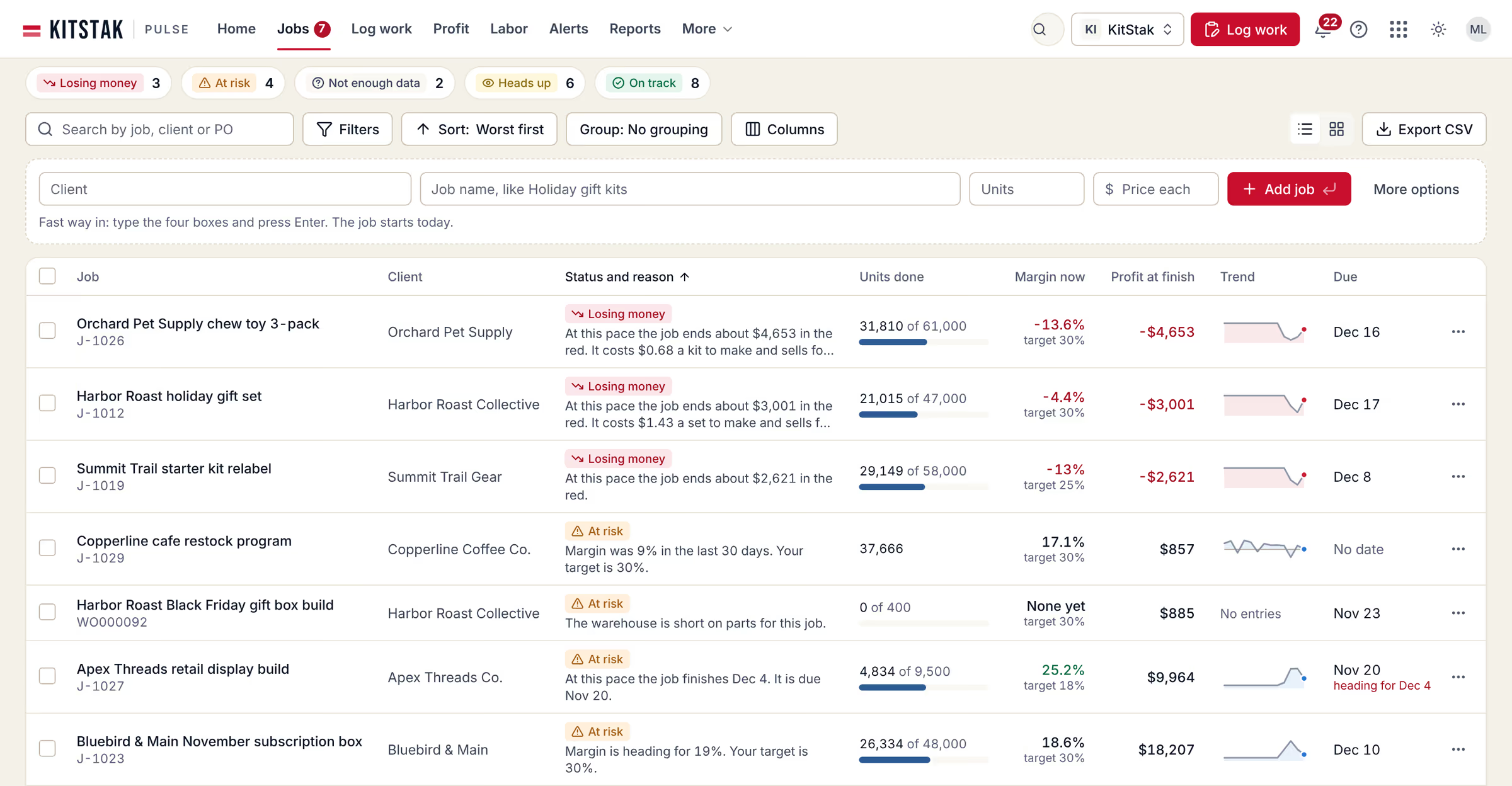
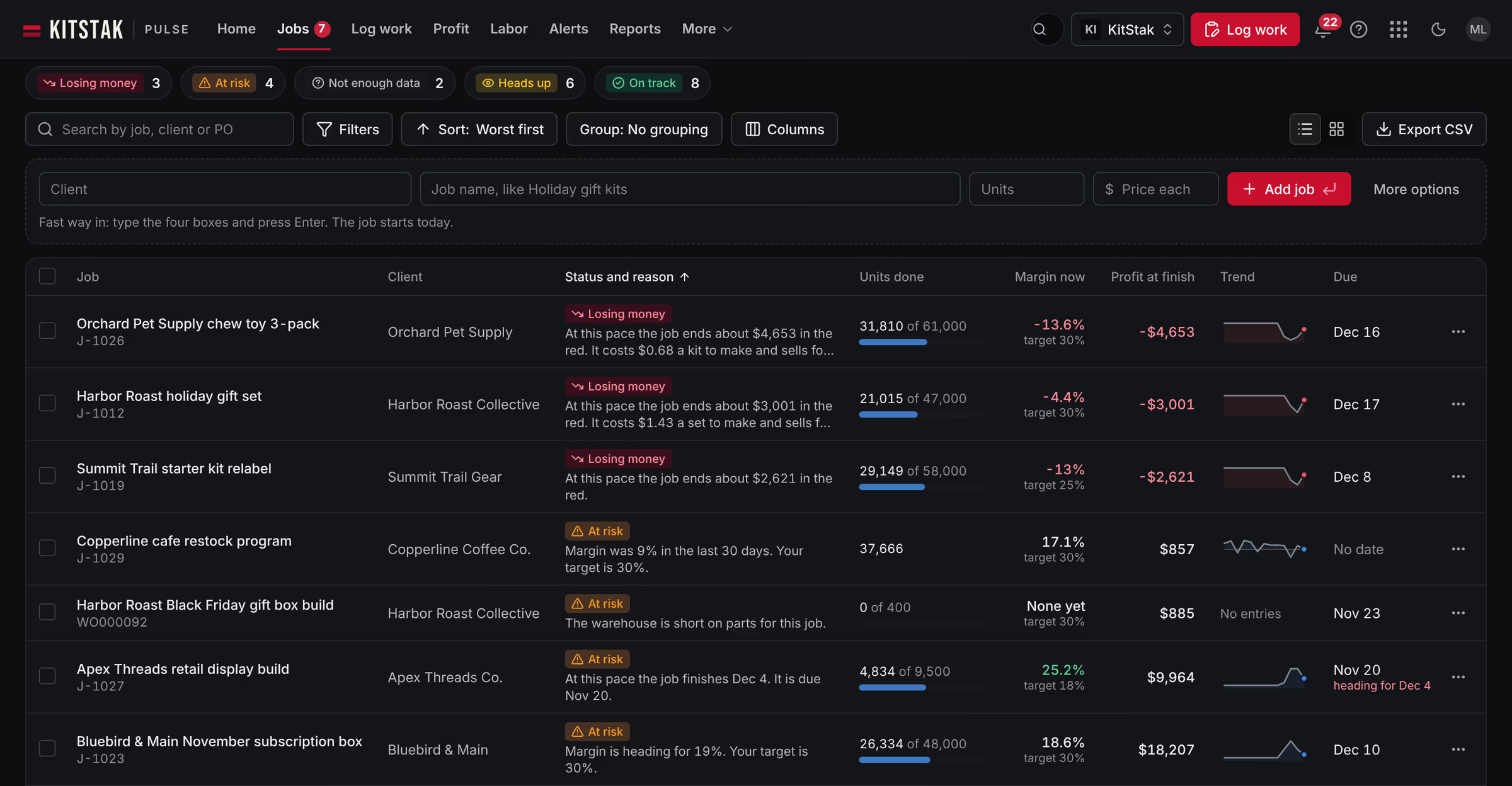
Know which jobs make money.
KitStak Pulse takes the units and hours you log each day and shows the profit on every job. It tells you which open jobs are losing money, and why.
- Profit by jobRevenue, cost, profit and margin for every job, client, job type and extra service.
- Log workOne screen for the whole day: units, people and hours for each job.
- Quote vs actualThe quote beside what happened, and why profit changed.
- Jobs at riskFive plain statuses for every open job, each with the reason in a sentence.

Run all four. Or one.
Each app is licensed on its own and built to work with the others. Turn them on to see what you get.
The whole stack
Sales, the warehouse, the work between them and the profit on every job, with one sign-in. Pulse pulls in won deals, work orders and project time, and shows job profit on the screens your team already uses.
- One sign-in across apps
- Shared customers and items
- One admin portal and billing
- Deals flow into orders
- Deal won, start the project
- Receipt discrepancy, urgent task
- Jobs in Pulse linked to their source records
- Job profit shown in every app
Sell it. Stock it. Ship it.
About five minutes. No card needed to set up.